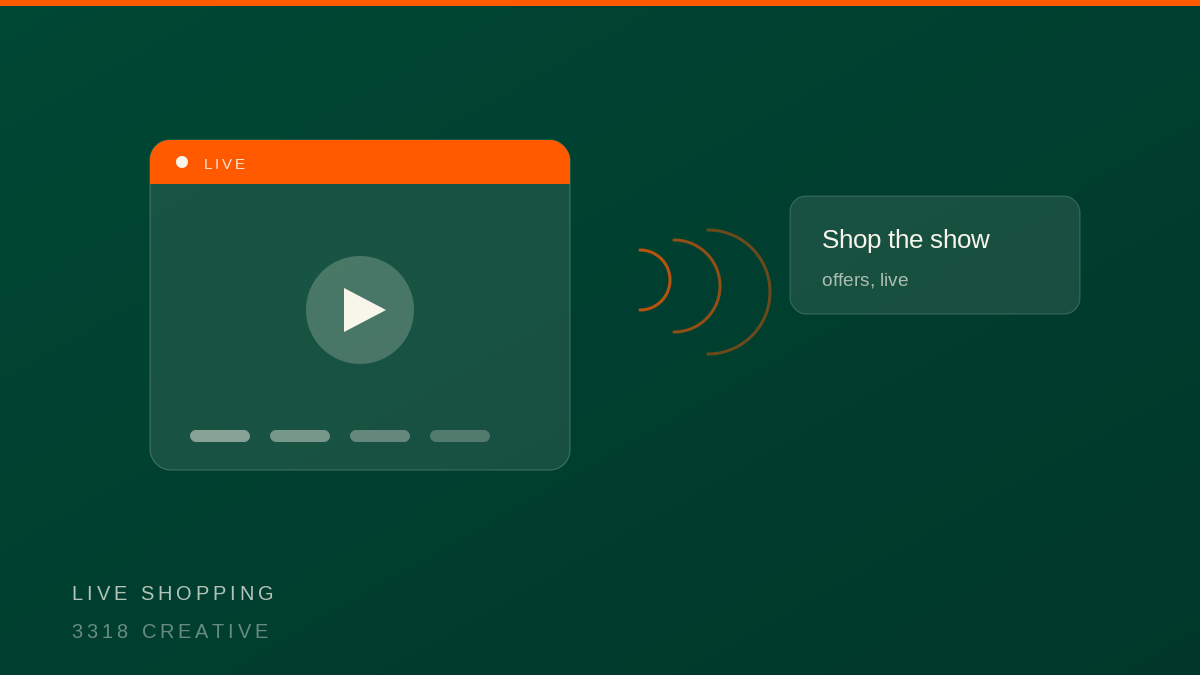
To start TikTok Shop LIVE, you need an approved shop with products listed, a host, a simple set-up for light and sound, a run of show and a regular schedule. Plan a first session of about two hours, offer something worth watching for, and review the numbers afterwards. Eligibility rules change, so check TikTok Seller Center before you go live.
Last updated 13 November 2026.
The short answer
| Step | What to do |
|---|---|
| 1 | Confirm your shop is live and eligible for LIVE in Seller Center |
| 2 | Pick 5 to 10 products to feature and prepare an offer for each |
| 3 | Choose a host who knows the products |
| 4 | Set up light, sound and a clean background |
| 5 | Write a run of show for two hours |
| 6 | Announce the session in advance with short videos |
| 7 | Go live, pin products and answer comments |
| 8 | Review sales, watch time and comments, then repeat on a schedule |
Before you go live
Check eligibility. Requirements for LIVE shopping can change and differ by market, so read the current rules in Seller Center.
Choose your products. Start with five to ten products. Include one hero product, a few easy add-ons and one offer that is only available during the session.
Pick a host. The host does not need to be a presenter by trade. They need to know the products well, talk naturally and keep going when the chat is quiet. Many brands use a founder, a team member or a creator.
Prepare the space. Use good light, clear sound and a tidy background. A phone on a stand with a ring light and a basic microphone is enough to begin.
A simple two-hour run of show
| Time | What happens |
|---|---|
| 0 to 10 min | Welcome, say what is happening and what is on offer |
| 10 to 40 min | Hero product: demo, show it in use, answer questions |
| 40 to 80 min | Rotate through the other products, repeating the offer |
| 80 to 110 min | Q and A, comparisons, last chance on the offer |
| 110 to 120 min | Thank viewers, say when the next session is |
People join and leave all the time, so repeat the offer and what each product does every few minutes.
Get people there
Post two or three short videos in the days before, saying the date, time and what is special. Ask creators in your affiliate programme to mention the session. On the day, post a reminder an hour before.
After the session
Check sales, orders, watch time, comments and which products were pinned when sales happened. Note the questions viewers asked and answer them in your next session and in your product listings. Aim for a repeating slot so viewers know when to come back.
How 3318 helps
LIVE hours are part of our Boost (10 hours a month) and Enterprise (25 hours a month) packages. Beyond that, LIVE is £165/hour with a 2 hour minimum, or buy it in monthly blocks, and new brands get their first 2 hour LIVE free. See pricing.
Book a call to plan your first LIVE. New brands get their first 2 hour session free.